Spielend Klavier lernen
Klimperhelden ist ein Lernspiel für Kinder von 6 bis 12 Jahren. Ein eigener Held erklärt Tasten, Noten und Rhythmus Schritt für Schritt, und mit jedem richtigen Ton bekommt seine Welt ein Stück Farbe zurück.
 Im App Store ladenfür iPad und iPhone
Welt 1 und 2 sind kostenlos. Keine Werbung, kein Konto.
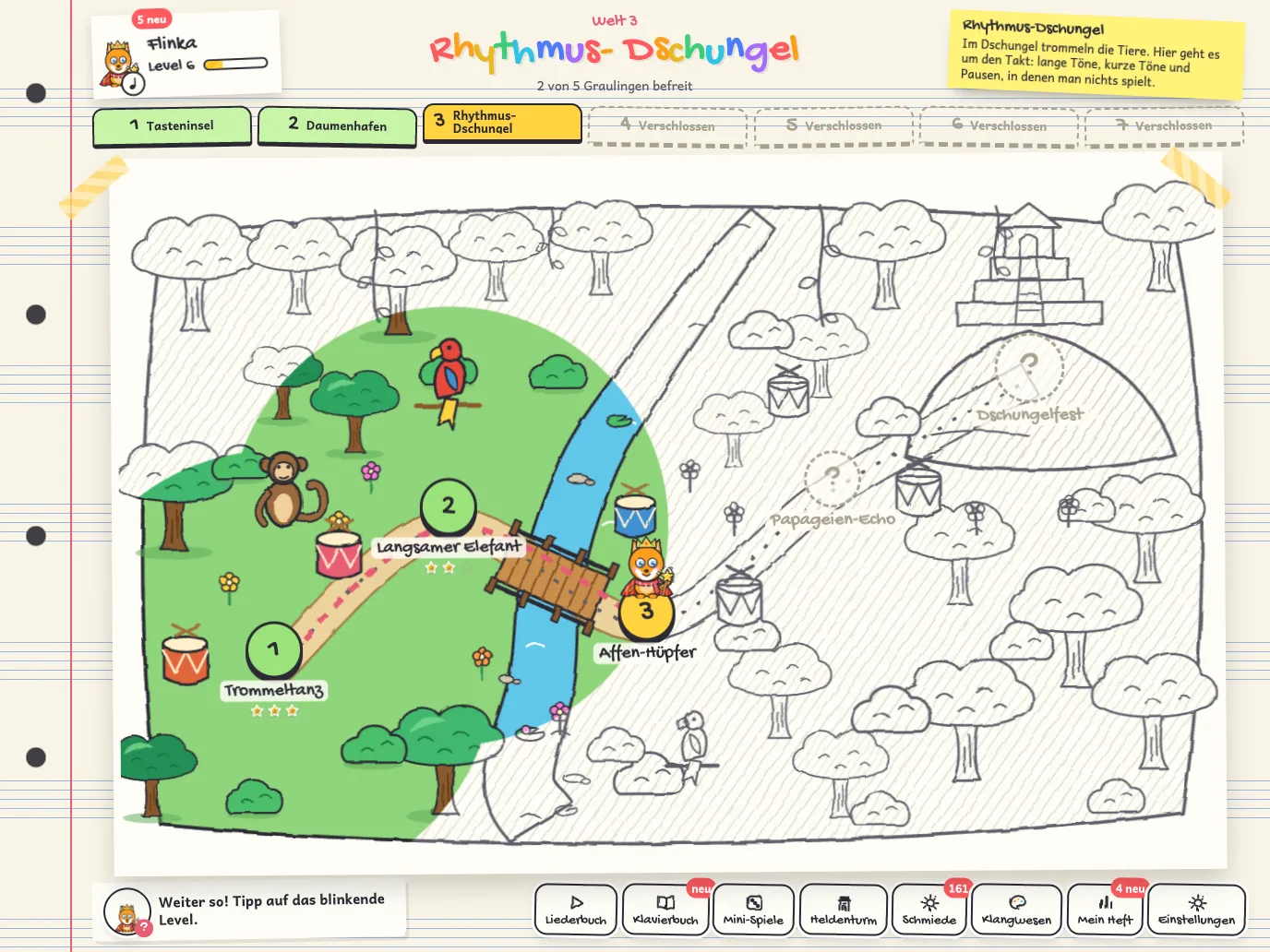
Der Graue König hat der Welt die Farben genommen. Jeder richtige Ton bringt sie zurück.
Probier mal: Tipp auf eine Taste!
Spielen ist Lernen
Spielen ist für Kinder kein Zeitvertreib neben dem Lernen, sondern eine ihrer wirksamsten Arten zu lernen. Klimperhelden baut auf Erkenntnissen aus der Lernforschung auf.
Entwickelt und getestet gemeinsam mit Kindern.
Angeleitet spielen
Kinder lernen besonders gut, wenn ein Spiel ein klares Ziel hat und sie den Weg dorthin selbst gehen. In einer Übersichtsarbeit über Studien mit Kindern bis acht Jahre wirkte solches angeleitetes Spielen bei mehreren Fähigkeiten besser als reines Erklären.1
In Klimperhelden: Jedes Level hat ein Lernziel. Der Held führt hin, spielen tut das Kind selbst.
Aus eigenem Antrieb
Dauerhaft dran bleiben Kinder, wenn sie selbst entscheiden können, merken, dass sie etwas können, und sich dabei begleitet fühlen. Die Selbstbestimmungstheorie nennt das Autonomie, Kompetenz und soziale Eingebundenheit.2
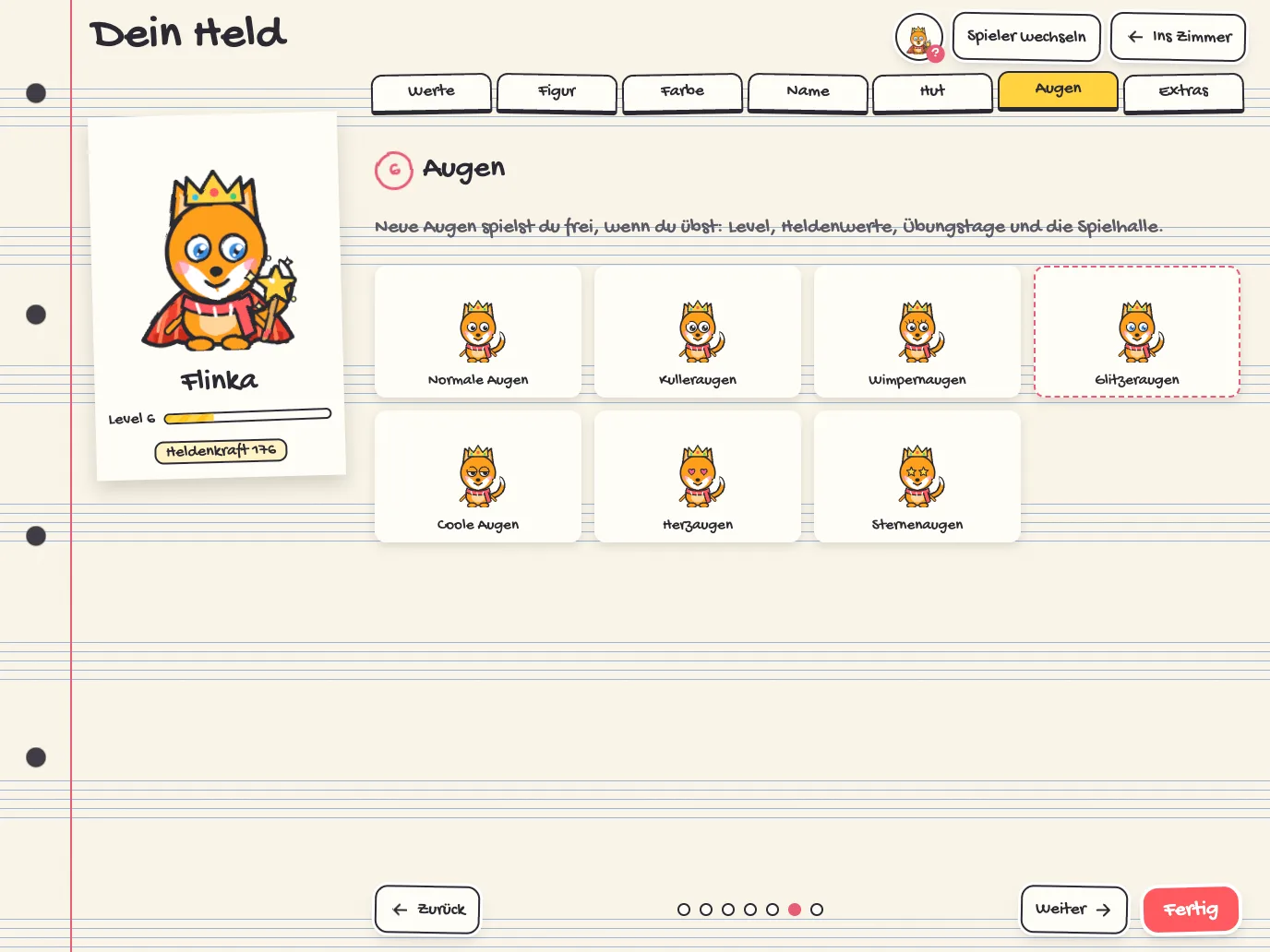
In Klimperhelden: Eigener Held, Lern- oder Übungs-Modus, Balken oder Noten. Fortschritte werden sichtbar, der Held spielt mit.
Lob für den Weg
Kinder, die für ihre Anstrengung gelobt wurden statt für ihre Begabung, blieben in Versuchen nach Fehlern eher dran und hatten mehr Freude an der Aufgabe.3
In Klimperhelden: Der Held sagt konkret, was gelungen ist, und vergleicht nur mit dem eigenen letzten Mal.
Fehler gehören dazu
Wer keine Angst vor Fehlern hat, probiert mehr aus. Üben braucht Wiederholung, keinen Druck.
In Klimperhelden: Niemand verliert. Im Lern-Modus wartet das Lied, Graulinge werden befreit statt besiegt. Wer ein paar Tage nicht übt, verliert nichts.
- Skene, K., O’Farrelly, C. M., Byrne, E. M., Kirby, N., Stevens, E. C. & Ramchandani, P. G. (2022). Can guidance during play enhance children’s learning and development in educational contexts? A systematic review and meta-analysis. Child Development, 93(4), 1162–1180. doi.org/10.1111/cdev.13730
- Ryan, R. M. & Deci, E. L. (2000). Self-determination theory and the facilitation of intrinsic motivation, social development, and well-being. American Psychologist, 55(1), 68–78. doi.org/10.1037/0003-066X.55.1.68
- Mueller, C. M. & Dweck, C. S. (1998). Praise for intelligence can undermine children’s motivation and performance. Journal of Personality and Social Psychology, 75(1), 33–52. doi.org/10.1037/0022-3514.75.1.33
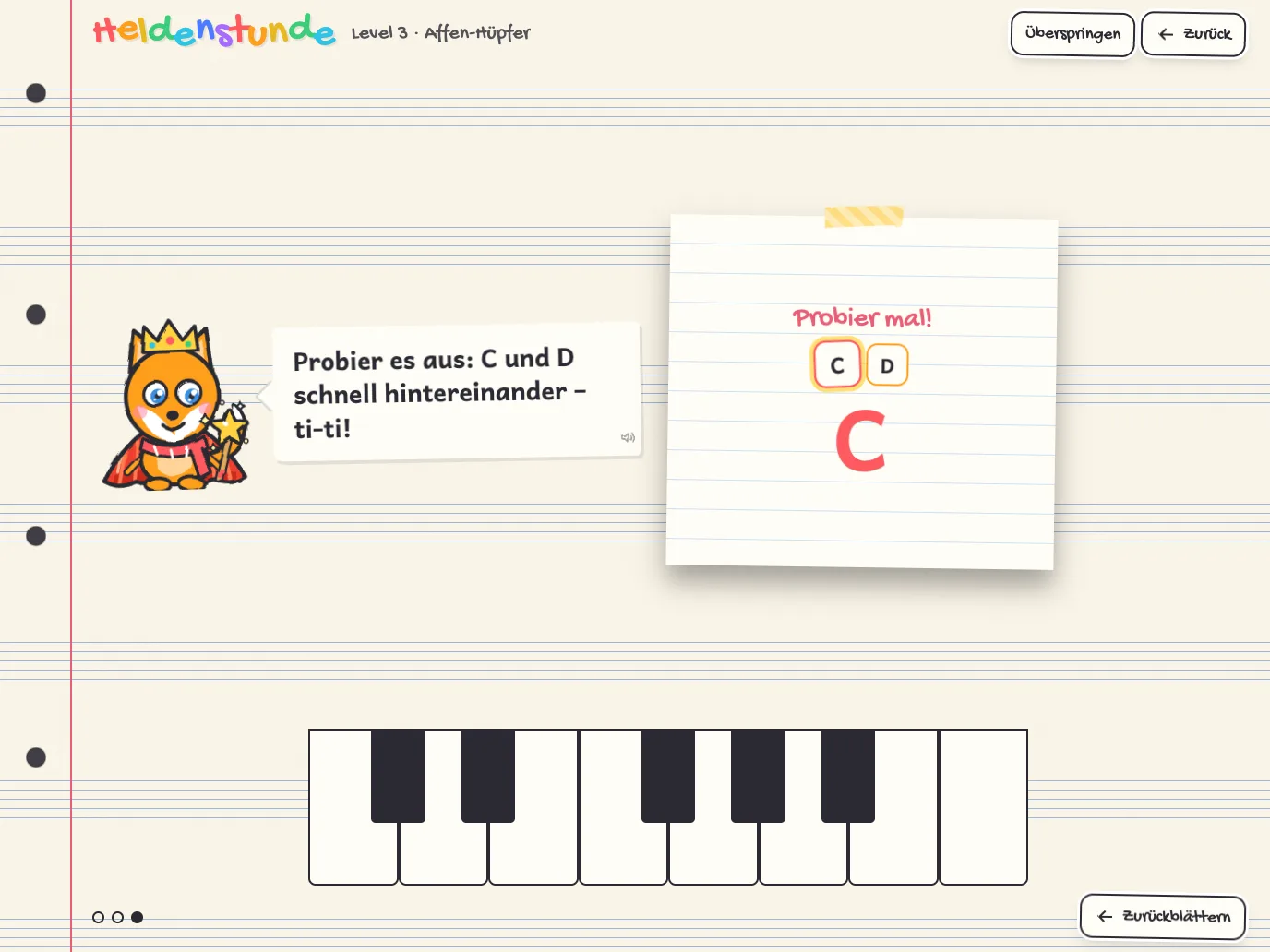
Erst verstehen, dann spielen
Jedes Level beginnt mit einer Heldenstunde und endet mit einem Lied. Verlieren kann man nicht: Wer danebengreift, versucht es einfach noch einmal.
Balken oder Noten
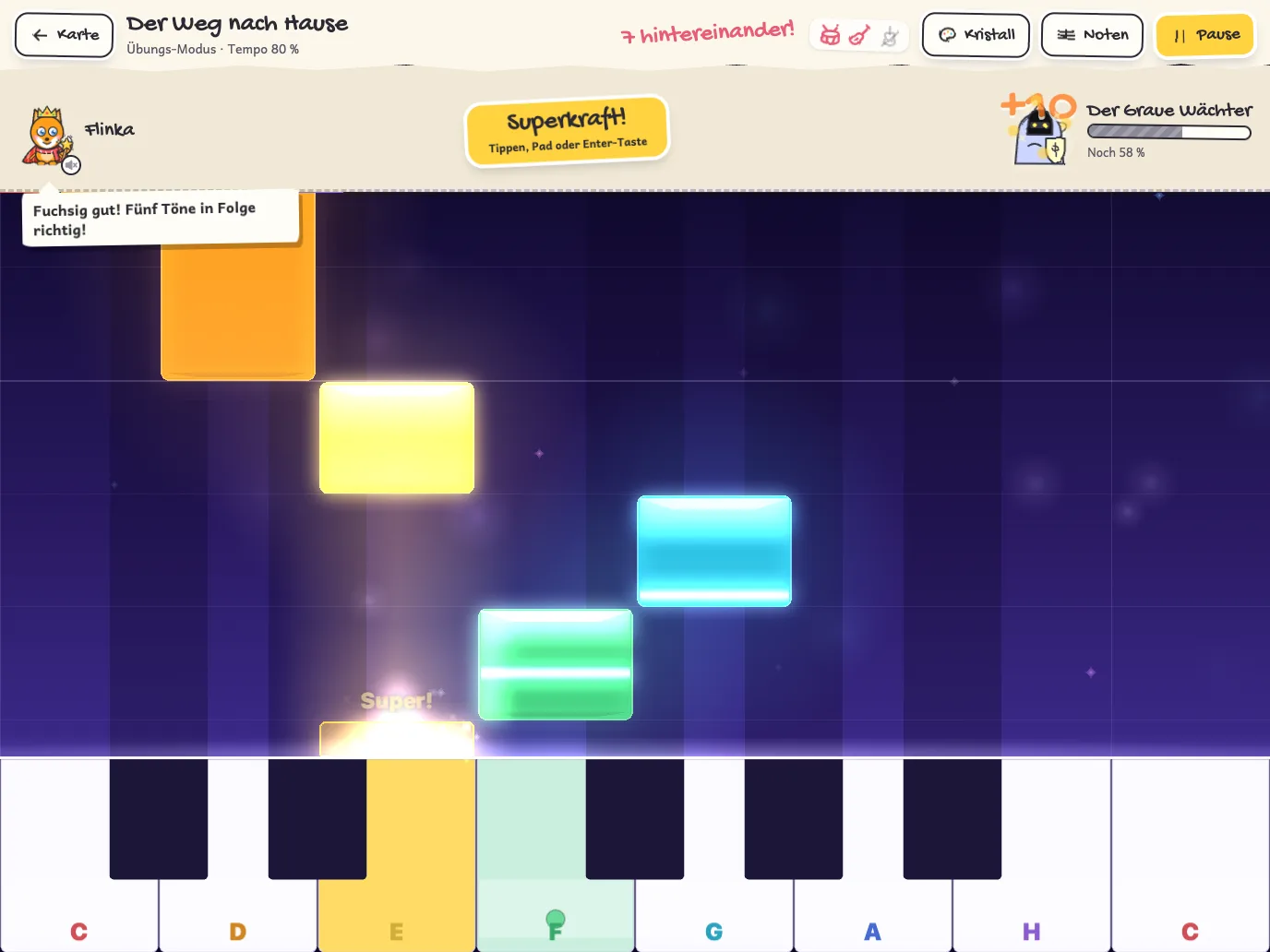
Am Anfang fallen farbige Balken auf die Tasten. So sieht man sofort, welche Taste dran ist und wie lang sie klingt. Ein Tipp auf „Noten“ zeigt dasselbe Lied als Notensystem, bei Stücken für beide Hände mit Violin- und Bassschlüssel. Umschalten geht jederzeit, auch mitten im Lied. So wächst das Notenlesen Schritt für Schritt mit.
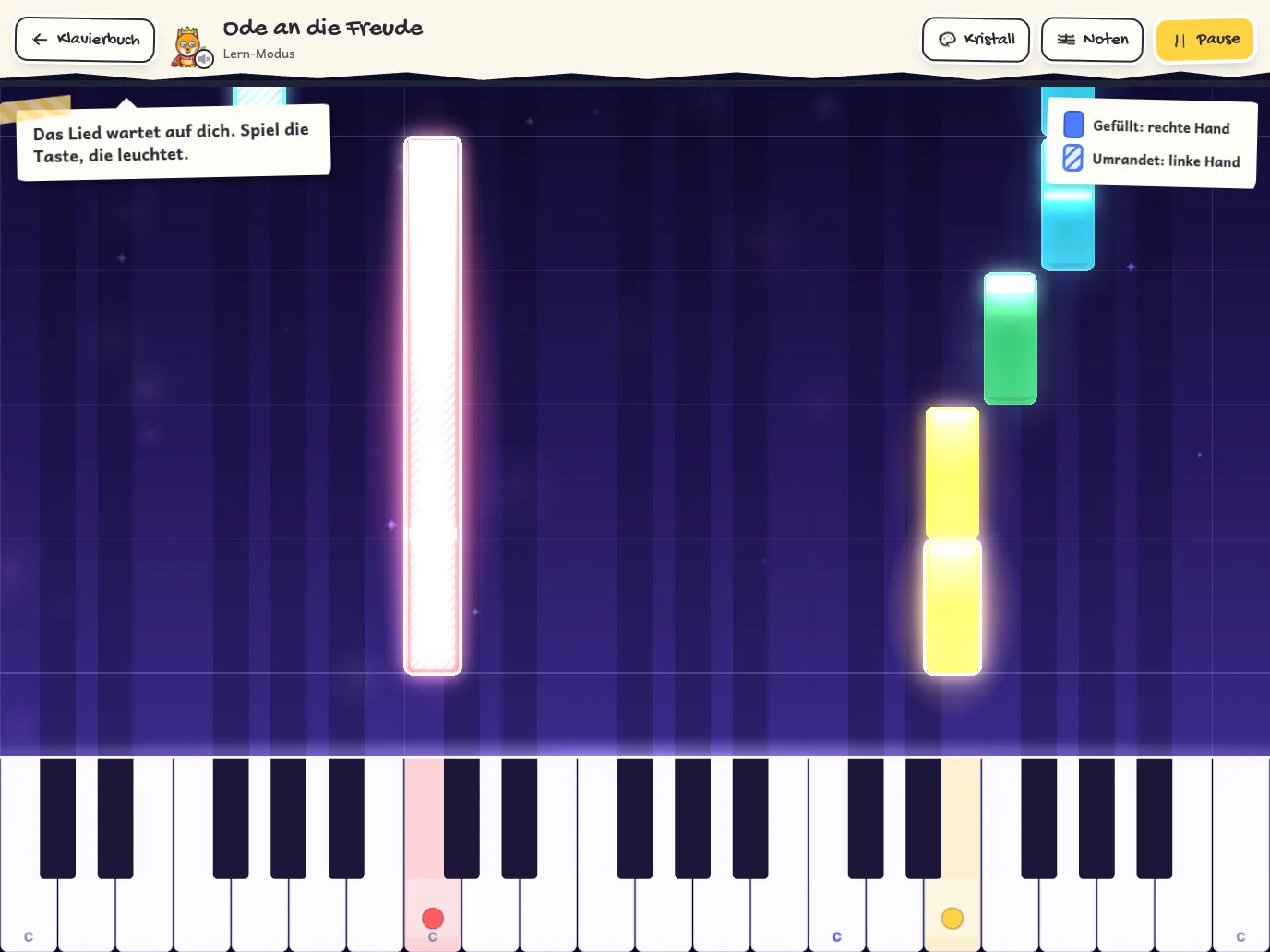
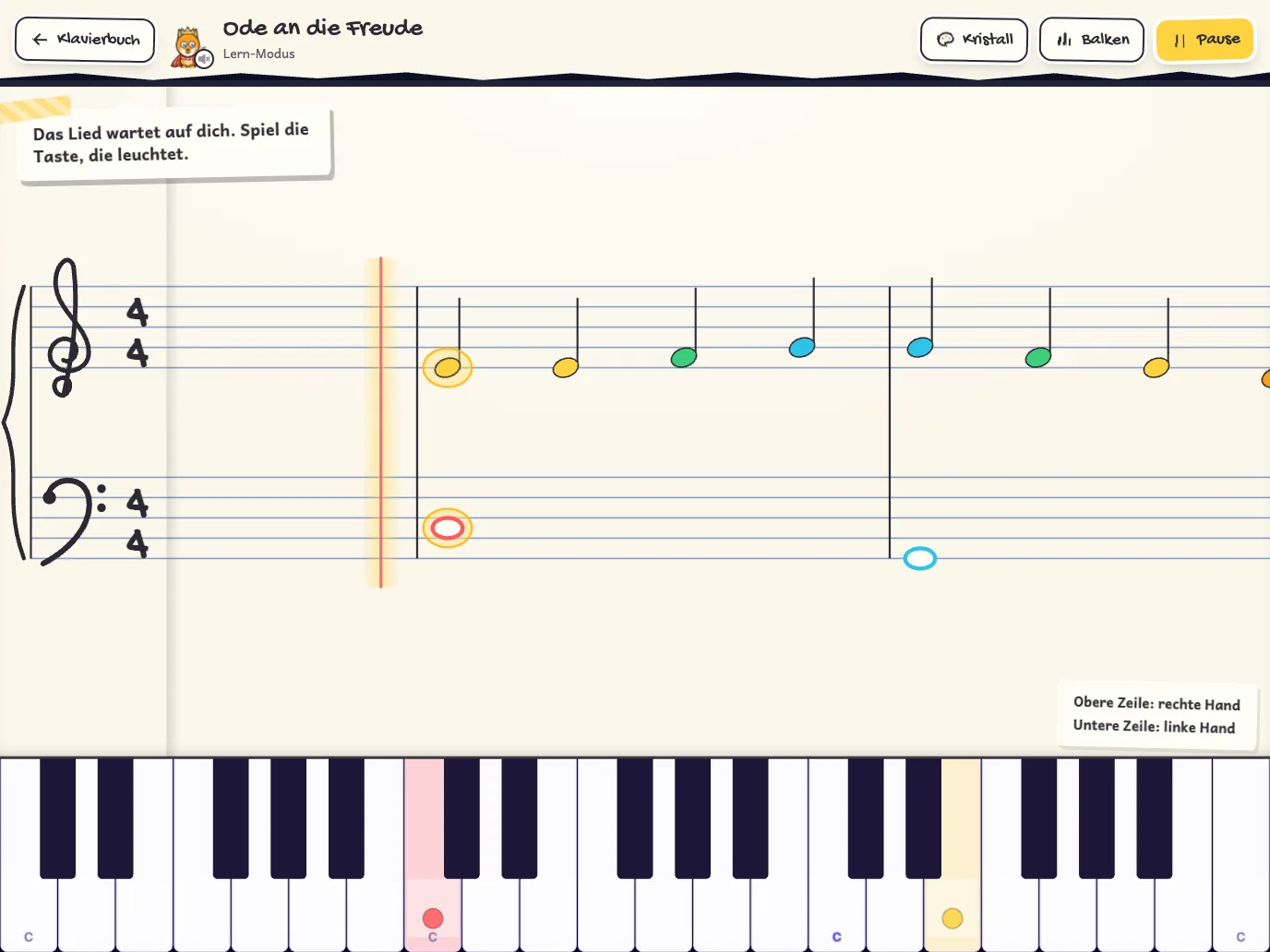
Die Notenansicht kommt mit Welt 4 dazu, im Klavierbuch ist sie von Anfang an da.
Zehn Welten, ein Lernweg
Die Welten bauen aufeinander auf wie die Kapitel einer Klavierschule. Jede hat acht Level, im letzten wartet ein Boss.
- Welt 1: Tasteninsel kostenlosDie Tasten C bis G finden, an den Gruppen der schwarzen Tasten
- Welt 2: Daumenhafen kostenlosFünf Finger in der C-Lage, erste bekannte Lieder
- Welt 3: Rhythmus-DschungelHalbe, Ganze, Achtel und Pausen im Takt
- Welt 4: Leuchtturm der LinienNoten lesen im Violinschlüssel
- Welt 5: BasshöhleDie linke Hand und der Bassschlüssel
- Welt 6: BrückenstadtRechte und linke Hand im Wechsel
- Welt 7: SturmküsteLeise und laut spielen: piano und forte
- Welt 8: WanderbergeNeue Handlagen, Daumenuntersatz und Achtel
- Welt 9: SternennachtSchwarze Tasten: Kreuz, B und erste Tonleitern
- Welt 10: KonzertsaalBeide Hände zugleich: Melodie, Bass und Akkorde
Mehr als Lieder
Zwischen den Leveln gibt es viel zu tun, und fast alles übt nebenbei etwas.
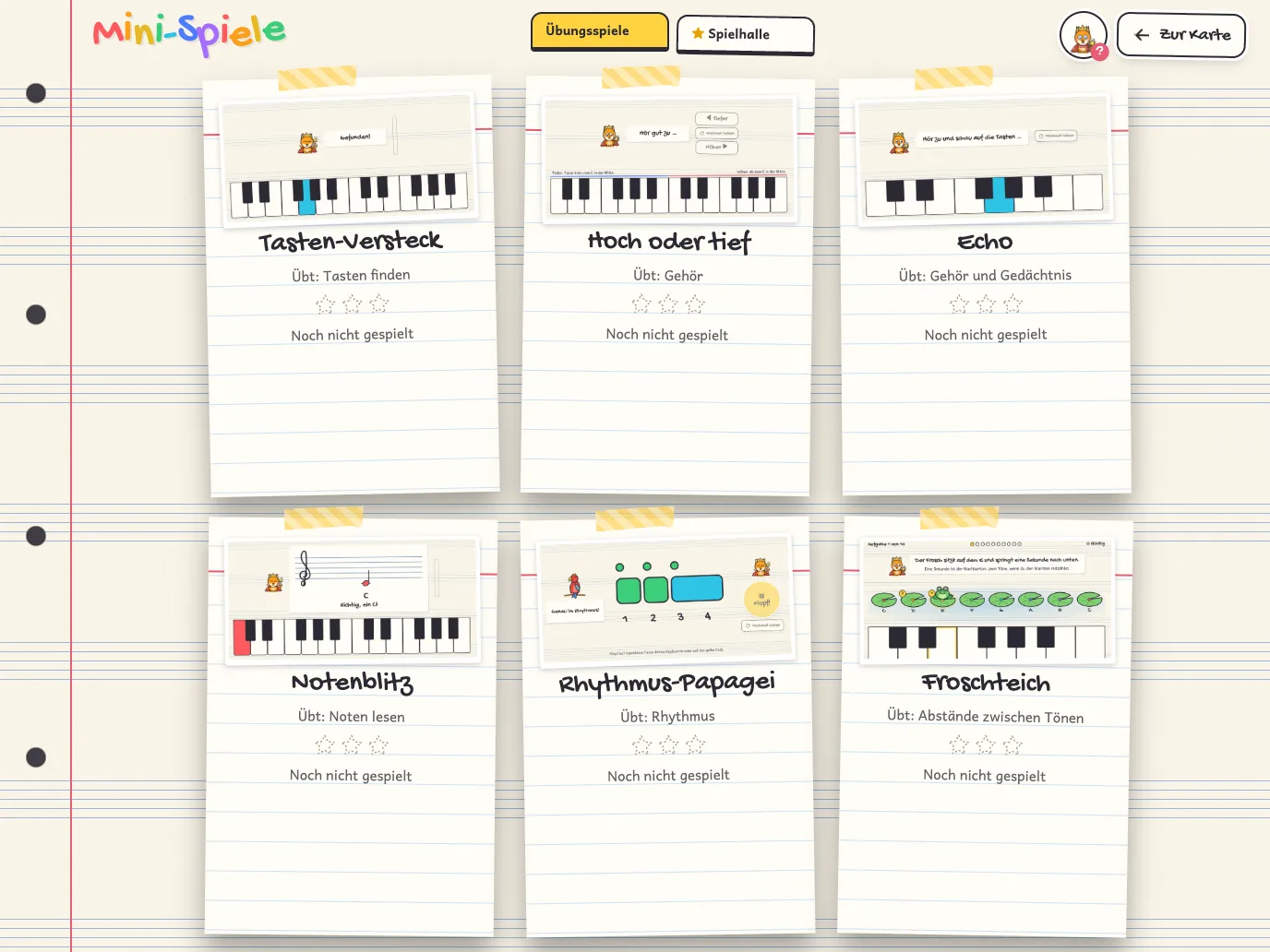
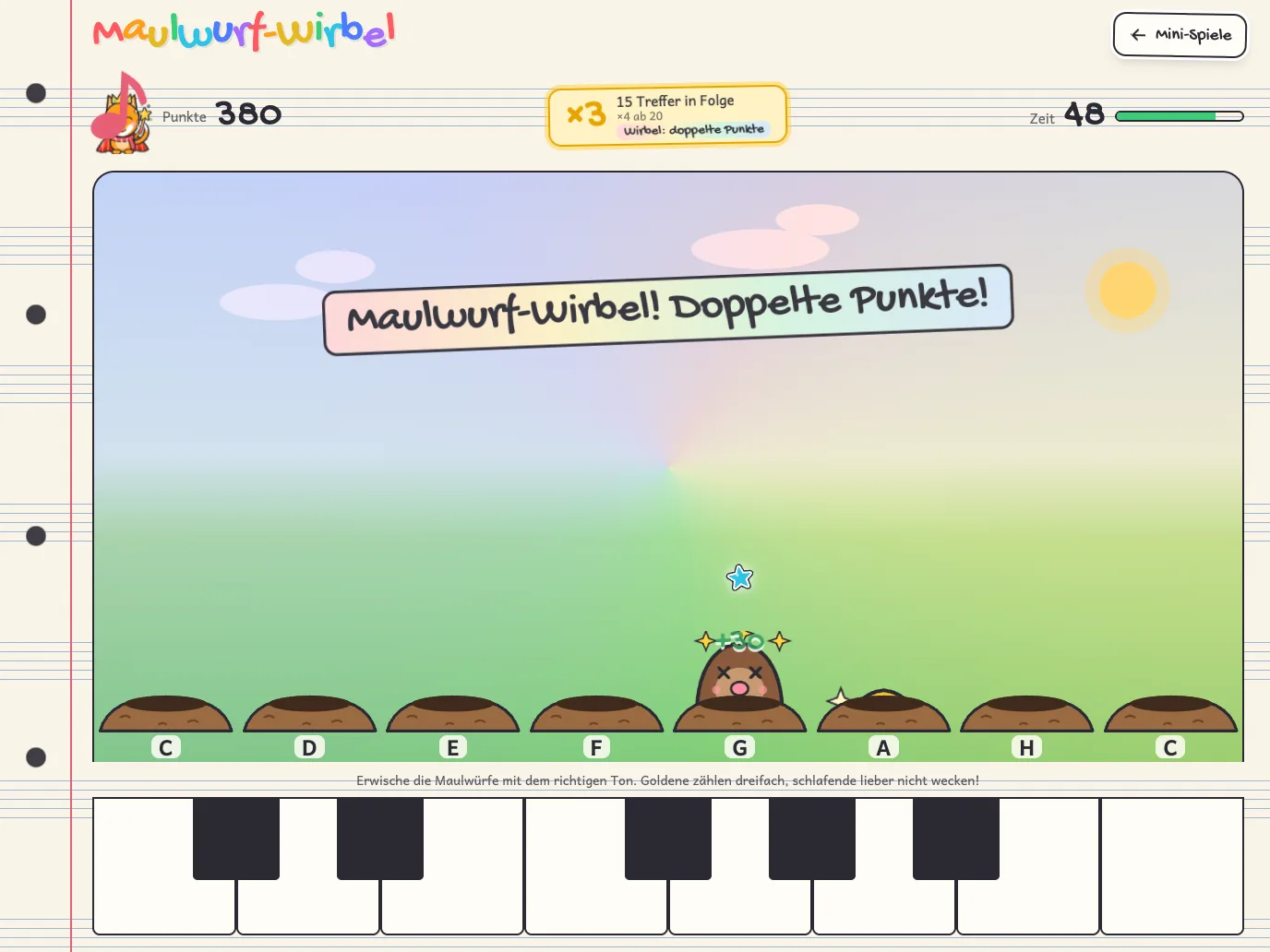
- Heldenturm
- Etage für Etage Aufgaben zu Tasten, Noten, Gehör und Rhythmus. Je mehr Ihr Kind übt, desto stärker wird sein Held.
- Liederbuch
- Kinderlieder und Klassiker zum freien Spielen, in voller Länge.
- Klavierbuch
- Stücke für beide Hände mit Notenblatt, für alle, die schon spielen können.
- Lieder-Werkstatt
- Eigene Lieder einspielen, Noten eintippen oder MIDI- und MusicXML-Dateien laden.
- Mein Heft
- Übungszeit, Tagesaufgaben, Abzeichen und ein Garten, der mit jedem Übungstag wächst.
Mit Keyboard oder ohne
Keyboard mit Kabel
Ein MIDI-Keyboard oder Digitalpiano per USB anschließen, am iPad oder iPhone mit USB-C- oder Lightning-Adapter. Das Spiel erkennt es von selbst.
Keyboard ohne Kabel
Hat das Keyboard keinen Anschluss, hört das Spiel über das Mikrofon zu und erkennt einzelne Töne. Ausgewertet wird nur auf dem Gerät.
Ganz ohne Keyboard
Große Tasten auf dem Bildschirm, passend zum Lied. So kann man sofort anfangen.
Für Eltern
Sicher und ruhig
- Keine Werbung, keine Analyse, kein Konto.
- Der Spielstand bleibt auf dem Gerät, auf Wunsch gesichert in Ihrer eigenen iCloud.
- Bis zu fünf Spieler auf einem Gerät, jedes Kind mit eigenem Helden und eigenem Heft.
- Käufe nur im Elternbereich hinter einer Elternschranke. Der Held drängt nie zum Kauf.
Kostenlos und Vollversion
Welt 1 und 2 mit allen Leveln, vier Mini-Spiele, der Heldenturm bis Etage 10 und das Liederbuch sind kostenlos.
Die Vollversion öffnet die Welten 3 bis 7, drei weitere Mini-Spiele, den ganzen Heldenturm, das Klavierbuch und die Lieder-Werkstatt. Sie gibt es mit einem einmaligen Kauf, ohne Abo, über die Familienfreigabe für die ganze Familie.
Auf Deutsch und Englisch.
Los klimpern!
Helden aussuchen, Keyboard anschließen oder einfach auf den Bildschirm tippen.
Im App Store ladenfür iPad und iPhone